> ## Documentation Index
> Fetch the complete documentation index at: https://docs.coingecko.com/llms.txt
> Use this file to discover all available pages before exploring further.
# Setting Up Your API Key
👋 **New to CoinGecko API?** Sign up for an account [here](https://www.coingecko.com/en/api/pricing)
## 1. Creating a new API Key
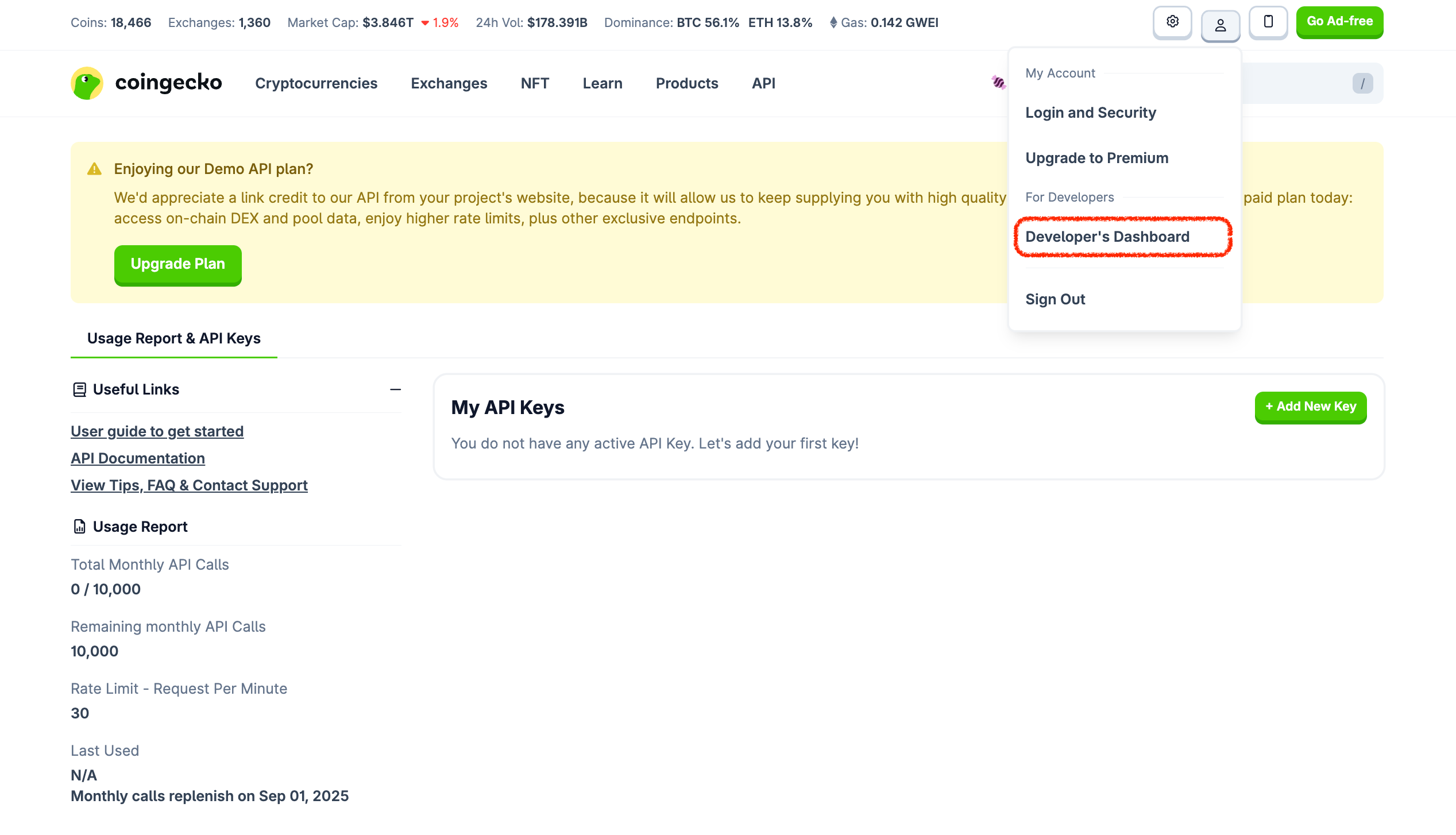
* Once you have signed up and logged in to your CoinGecko account, go to [Developer Dashboard](https://www.coingecko.com/en/developers/dashboard):
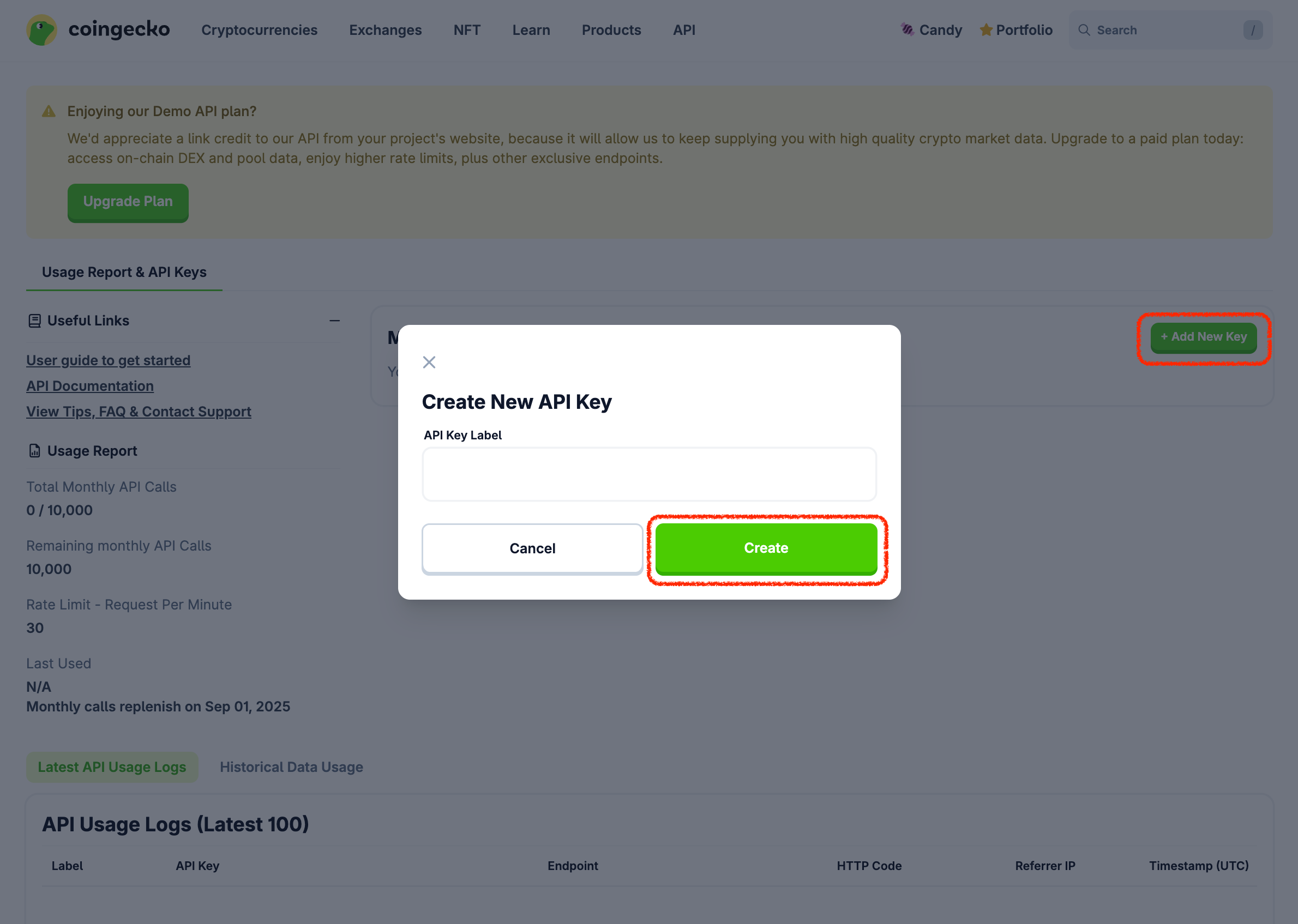
 * Click on **+ Add New Key** button to create a new API key:
 ## 2. Making API Request
* **Root URLs:**
* Pro API: `https://pro-api.coingecko.com/api/v3/`, refer to [Pro API Authentication](/reference/authentication).
* Demo API: `https://api.coingecko.com/api/v3/`, refer to [Demo API Authentication](/v3.0.1/reference/authentication).
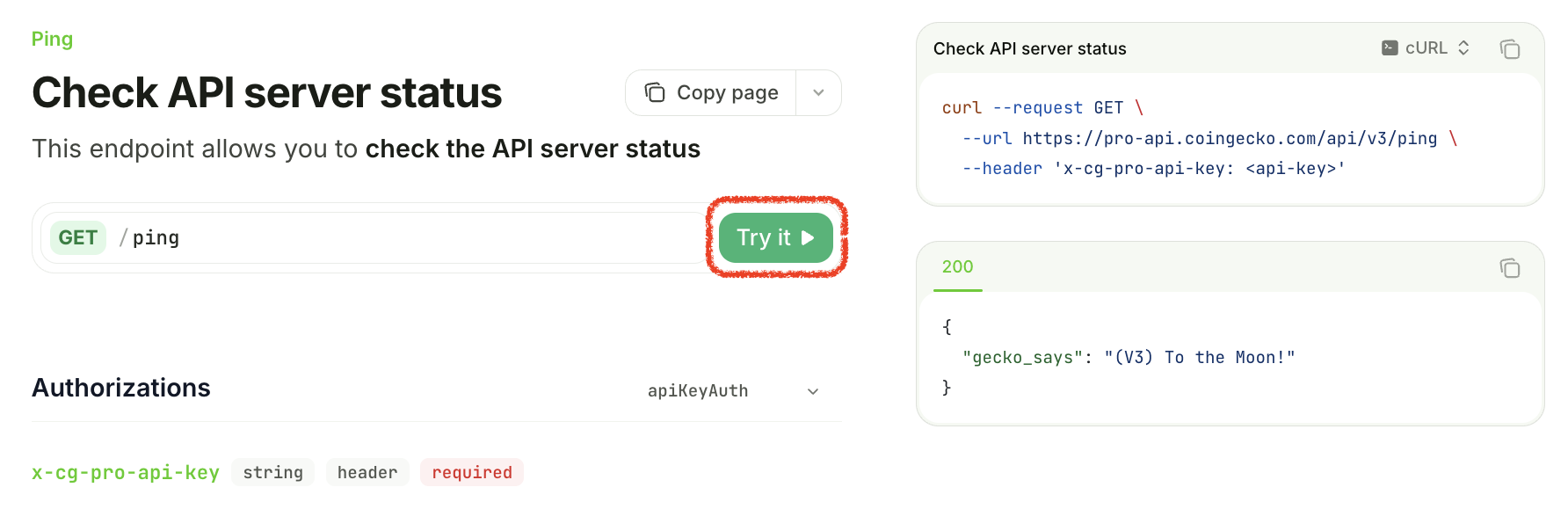
* **Example using the `/ping` endpoint:**
* Pro API: `https://pro-api.coingecko.com/api/v3/ping?x_cg_pro_api_key=YOUR_API_KEY`
* Demo API: `https://api.coingecko.com/api/v3/ping?x_cg_demo_api_key=YOUR_API_KEY`
## 2. Making API Request
* **Root URLs:**
* Pro API: `https://pro-api.coingecko.com/api/v3/`, refer to [Pro API Authentication](/reference/authentication).
* Demo API: `https://api.coingecko.com/api/v3/`, refer to [Demo API Authentication](/v3.0.1/reference/authentication).
* **Example using the `/ping` endpoint:**
* Pro API: `https://pro-api.coingecko.com/api/v3/ping?x_cg_pro_api_key=YOUR_API_KEY`
* Demo API: `https://api.coingecko.com/api/v3/ping?x_cg_demo_api_key=YOUR_API_KEY`
 ## 3. Edit or Delete API Key
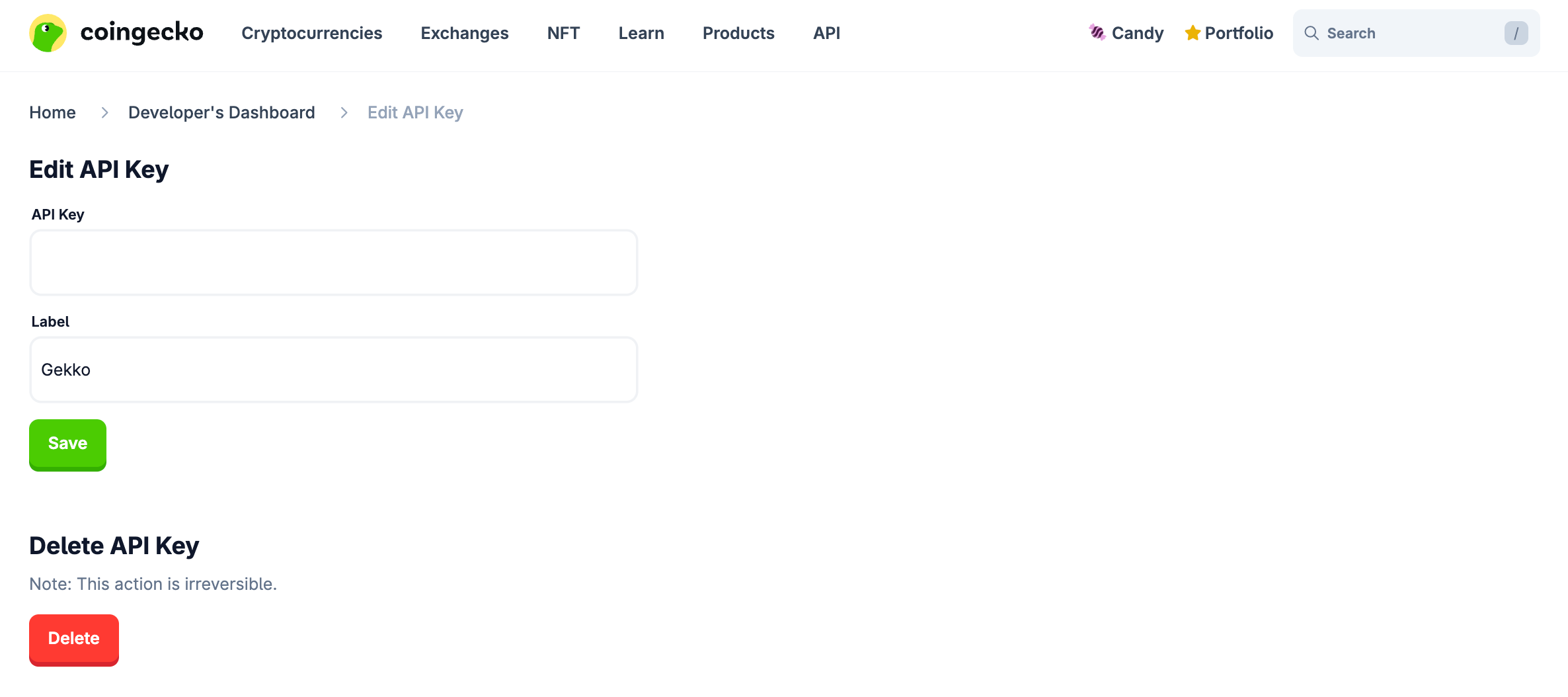
* Go to Developer's Dashboard and click “Edit” button on a specific API Key.
* In case the API Key is compromised, you may delete the API Key by clicking the "Delete" button.
* You may also update the label and save the changes by clicking "Save" button.
## 3. Edit or Delete API Key
* Go to Developer's Dashboard and click “Edit” button on a specific API Key.
* In case the API Key is compromised, you may delete the API Key by clicking the "Delete" button.
* You may also update the label and save the changes by clicking "Save" button.
 ## 4. API Usage Report
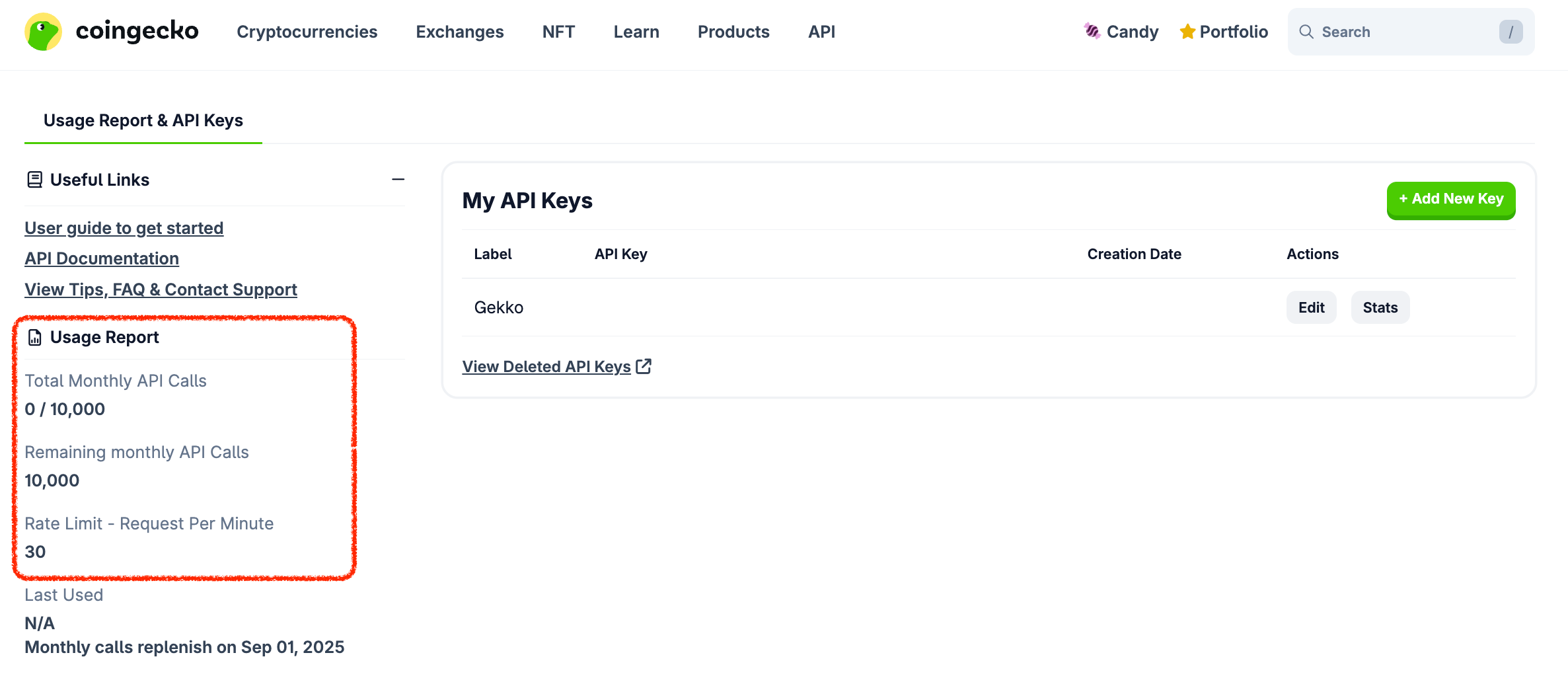
* You can monitor your API usage in the Usage Report section, which provides details such as:
* Total Monthly API Calls.
* Remaining Monthly API Calls.
* Rate Limit (Request Per Minute) — maximum number of API requests allowed in one minute.
* Last Used — the timestamp of the last used instance.
## 4. API Usage Report
* You can monitor your API usage in the Usage Report section, which provides details such as:
* Total Monthly API Calls.
* Remaining Monthly API Calls.
* Rate Limit (Request Per Minute) — maximum number of API requests allowed in one minute.
* Last Used — the timestamp of the last used instance.
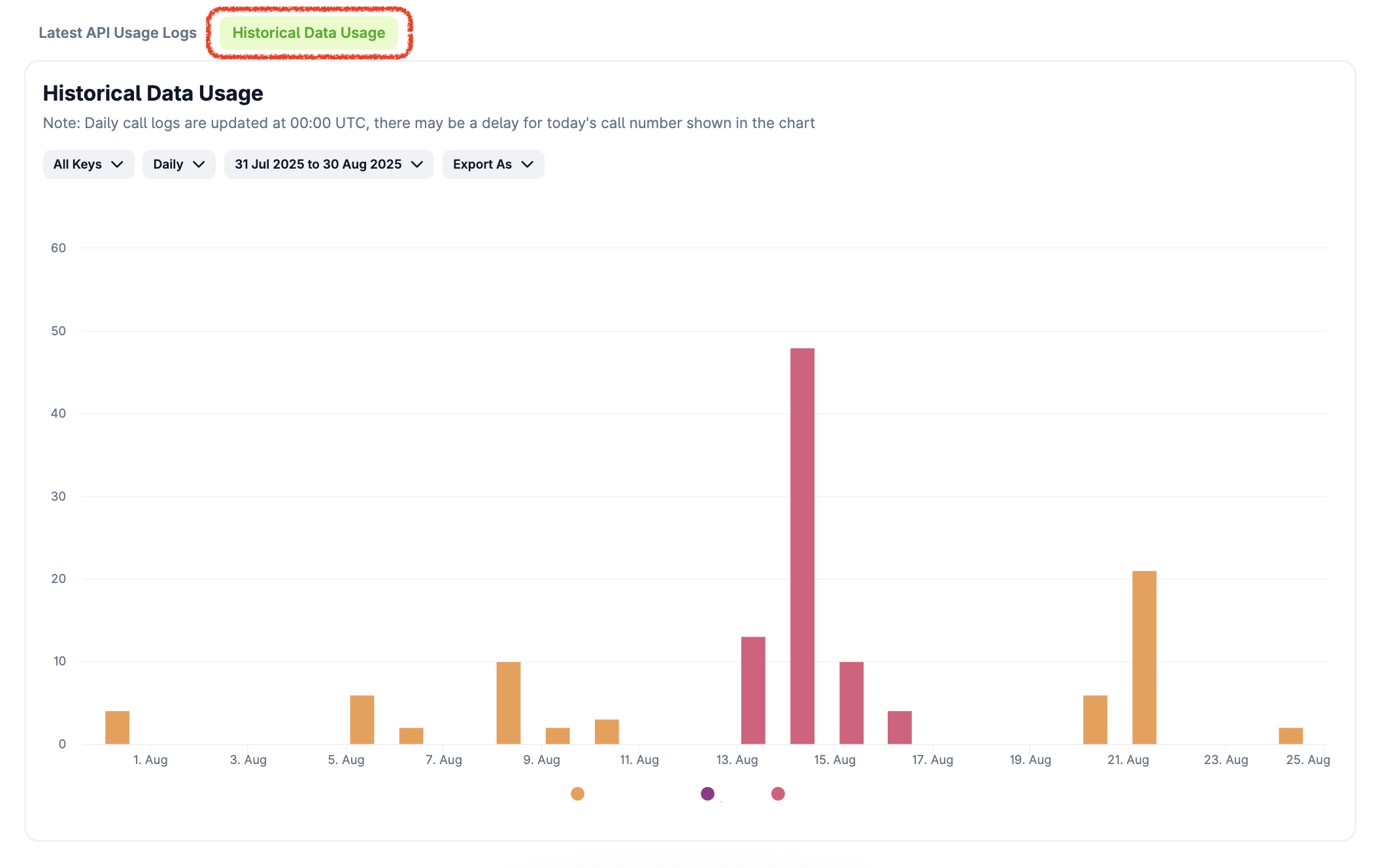
 * You can also check your full historical usage by specifying "API Keys", "timeframe" or "date range". You may export as CSV for more comprehensive view.
 ## 5. Others
### Call Consumption Alerts
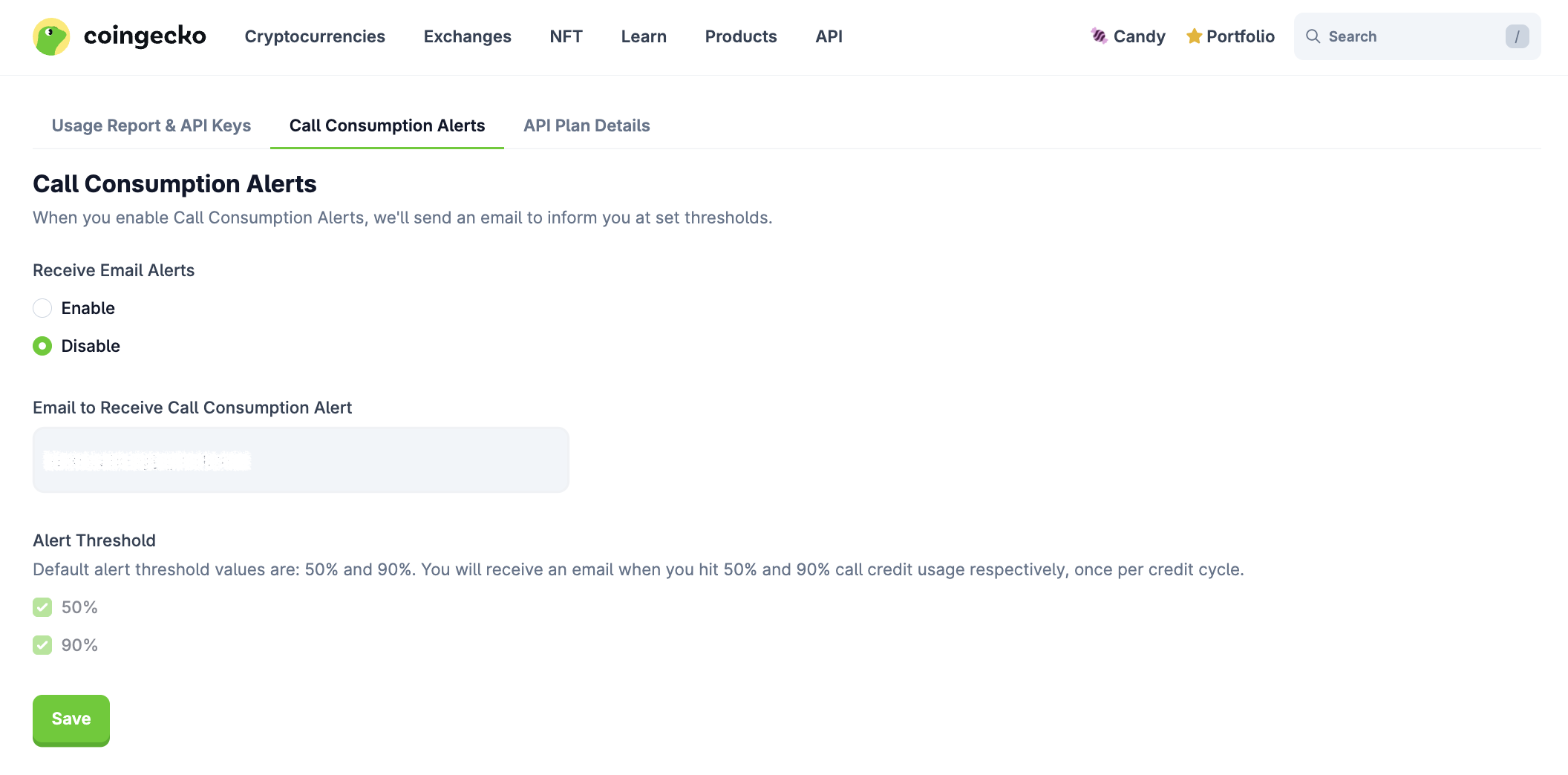
You may enable or disable call consumption alerts in the tab below to receive emails when specific credit usage thresholds are reached.
## 5. Others
### Call Consumption Alerts
You may enable or disable call consumption alerts in the tab below to receive emails when specific credit usage thresholds are reached.
 ### Overage Option (Beta)
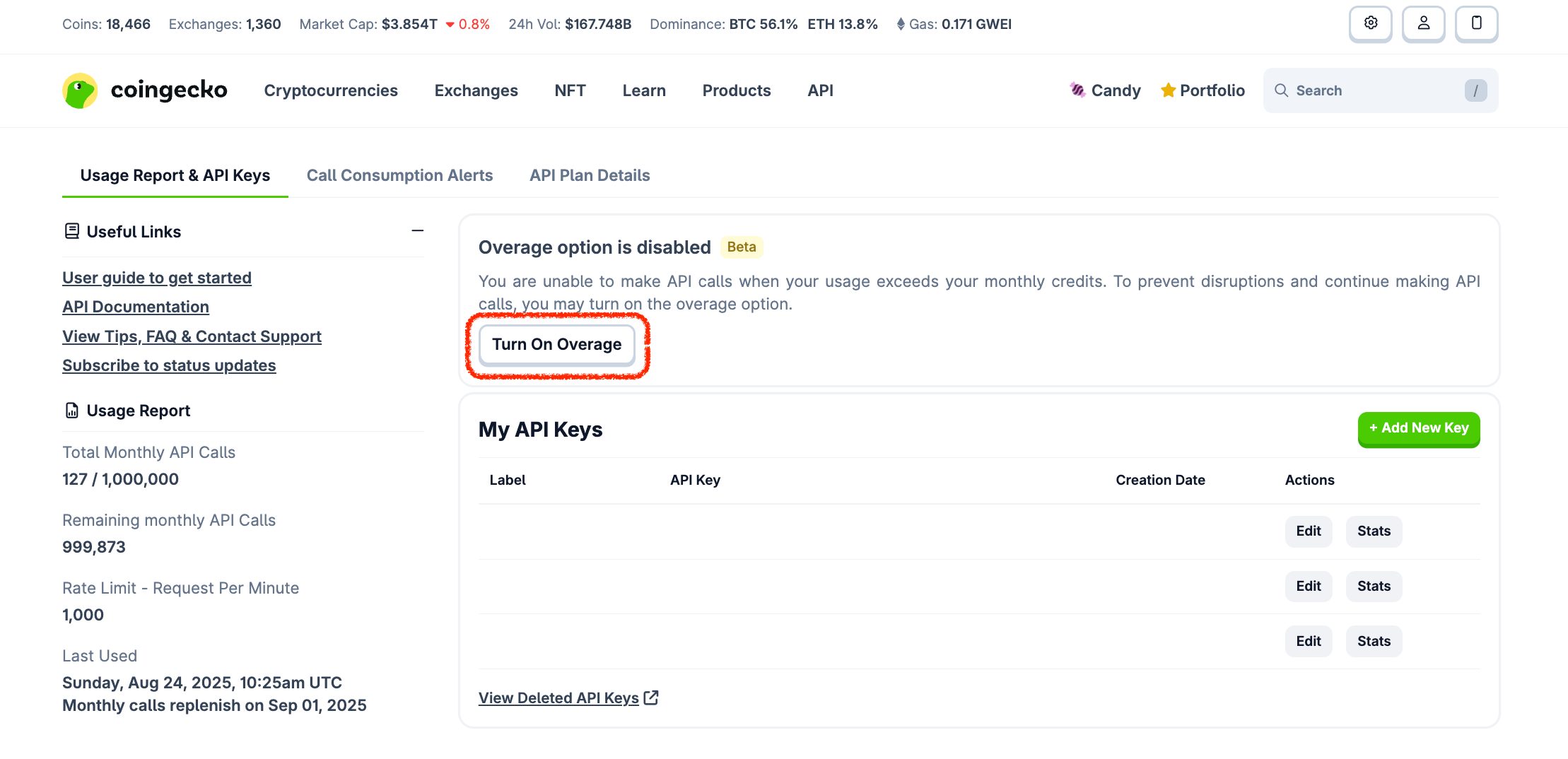
* The overage option enables you to make API calls when your usage exceeds the monthly credits.
* You can activate the overage option by clicking the "Turn On Overage" button, ensuring uninterrupted service and allowing you to continue making API calls or vice versa.
### Overage Option (Beta)
* The overage option enables you to make API calls when your usage exceeds the monthly credits.
* You can activate the overage option by clicking the "Turn On Overage" button, ensuring uninterrupted service and allowing you to continue making API calls or vice versa.