

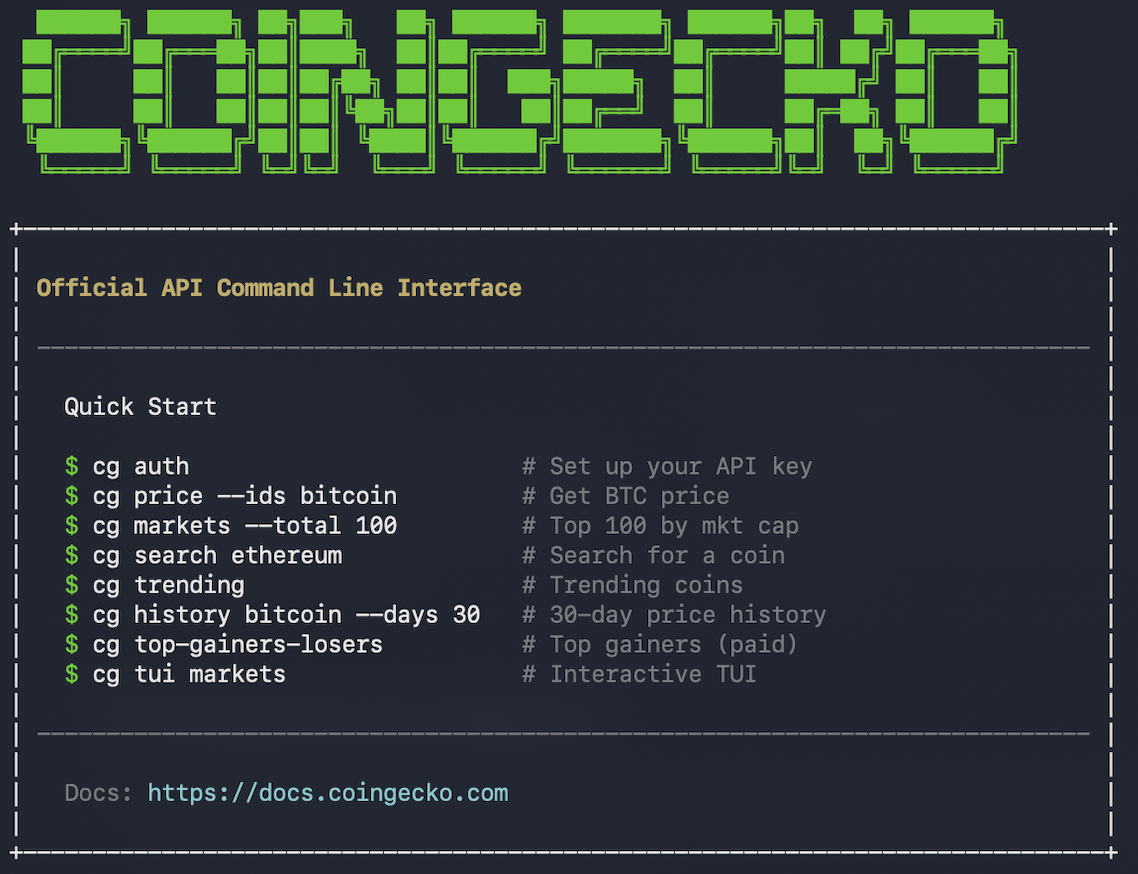
Get Started
Get API Key
Sign up for Demo (Free) or Pro (Paid) API key here, and retrieve the API Key in Developer Dashboard.
Install CoinGecko CLI
Visit the official CoinGecko CLI GitHub for full installation guides. It takes just 1-click, and less than a minute to complete the setup.
Use Commands
Refer here for full list of commands and features.
Features at a Glance
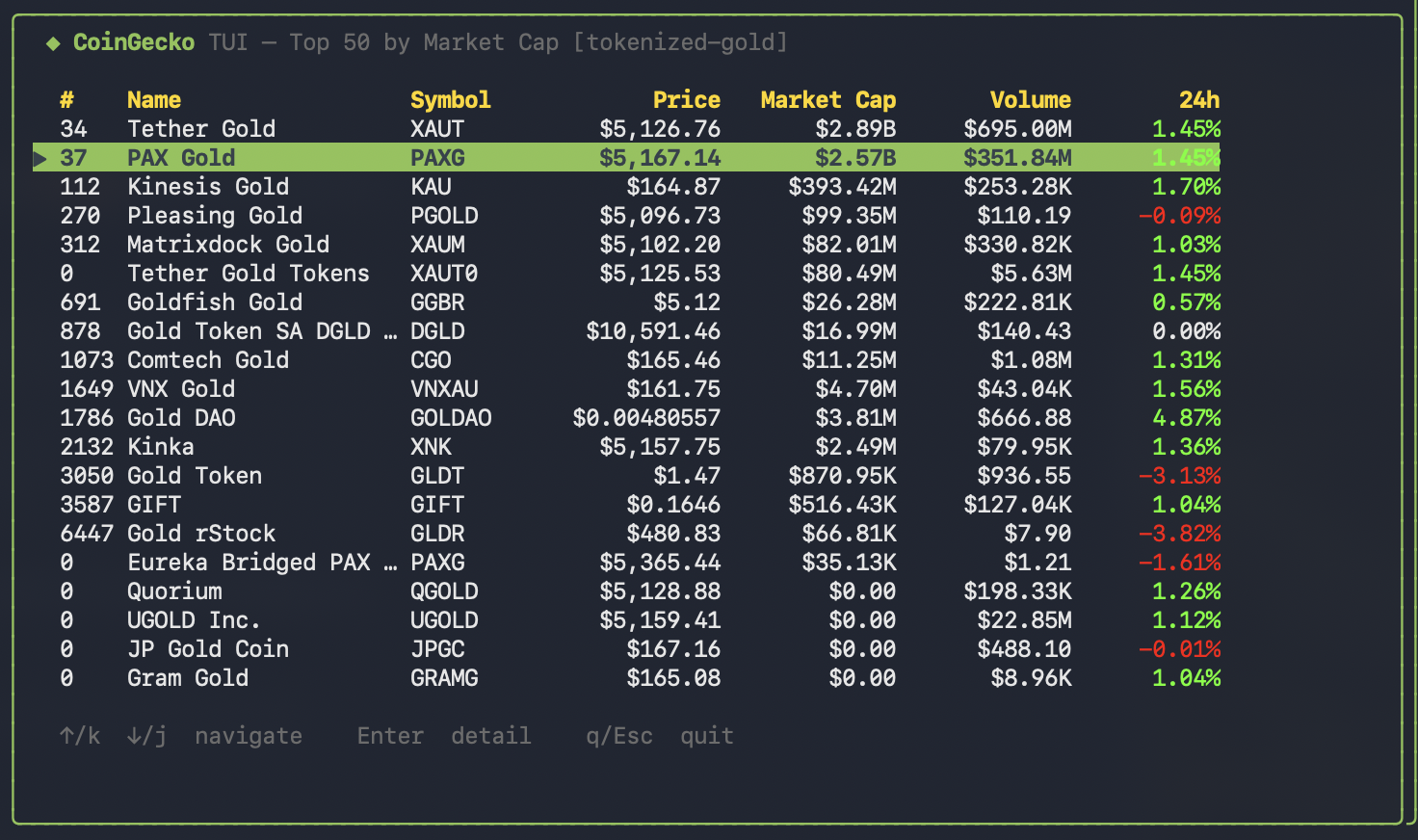
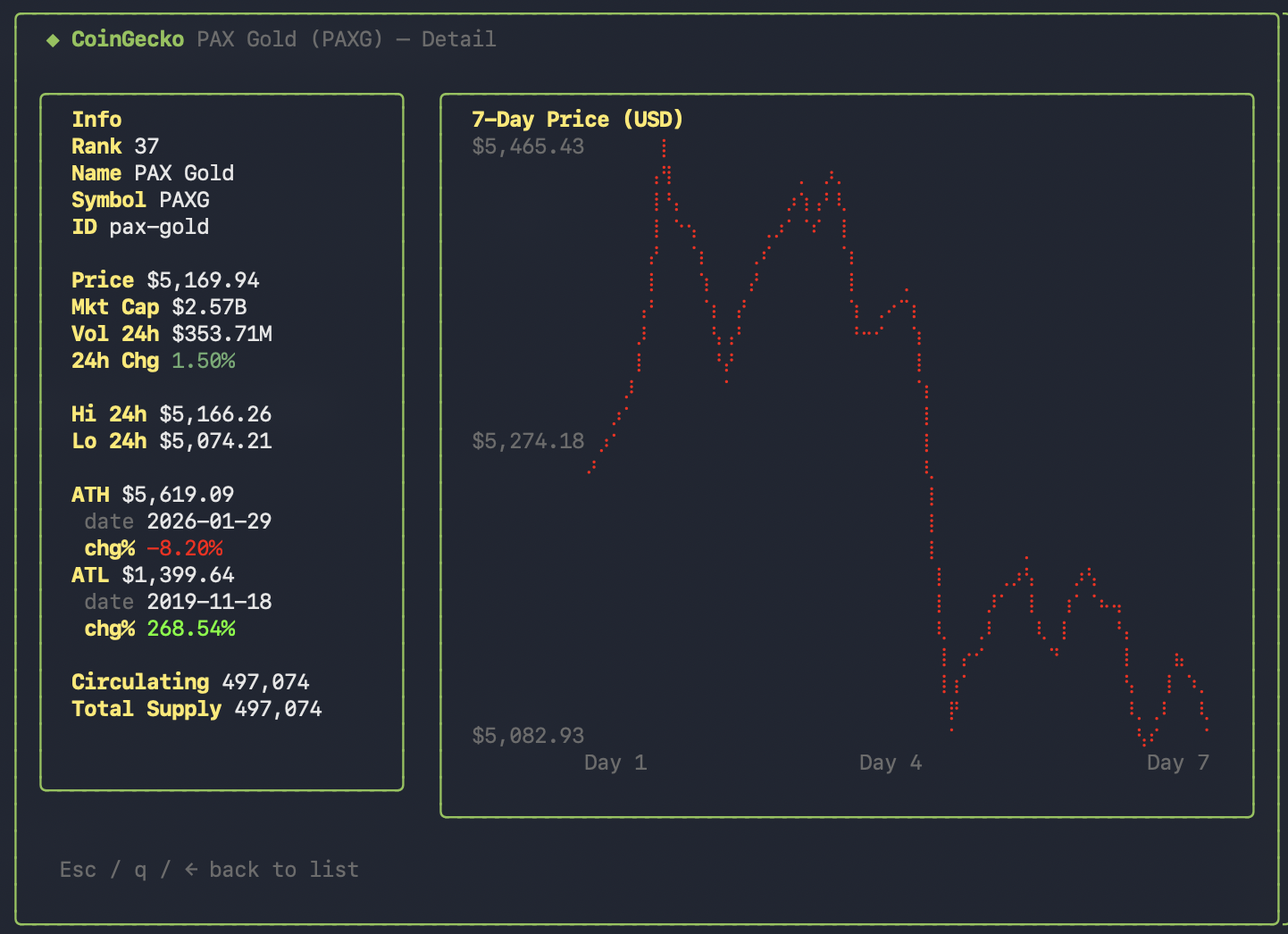
Interactive TUI
Full-screen terminal dashboard with live navigation and 7-day braille price charts.
Data Pipelines
Export market rankings and historical data directly to CSV or JSON.
Live Price Streaming
Stream real-time market data and stay ahead of the curve.
AI Agent-Friendly
Easily test and integrate with AI/LLM tools via CLI.
| Feature | What it does |
|---|---|
| 🎮 Interactive TUI Dashboard | High-fidelity terminal interface with live navigation and 7-day price charts. |
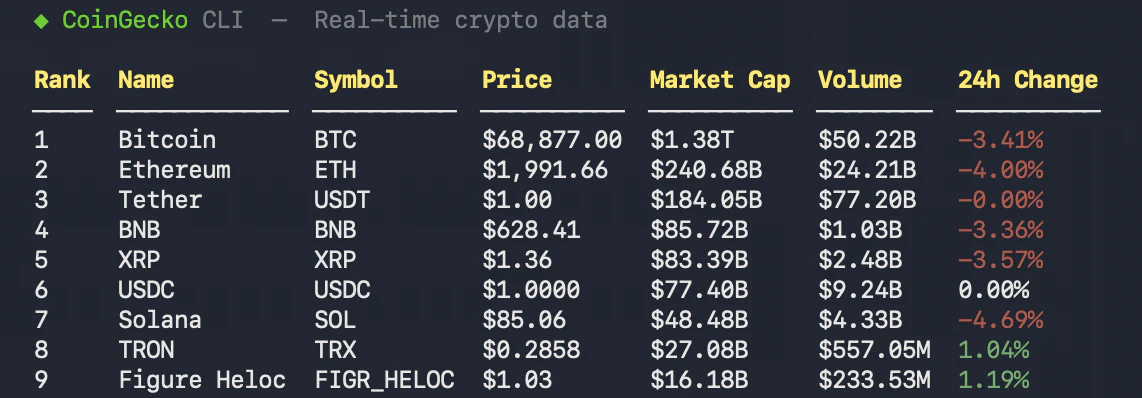
| ⚡ Real-Time Prices | Blazingly fast, type-safe API calls for the most current market valuations. |
| 📡 Live WebSocket Streaming | Real-time price updates via cg watch with NDJSON output for piping. |
| 📅 Deep Historical Data | Fetch precise data for specific dates, custom date ranges, or the past N days. |
| 📥 CSV Export Support | Export any market or history query directly to CSV for external analysis in Excel or Python. |
| 🏷️ Category Smart | Filter by 500+ categories including AI, Layer-2, Tokenized Stocks, Gold, and Silver. |
| 📊 Unlimited Markets | Seamless pagination to fetch 1,000+ coins in a single command. |
| 🔥 Trending Everything | Real-time tracking of Trending Coins, NFTs, and Categories. |
| ⌨️ JSON Output | Machine-readable -o json for scripting and pipelines. |
| 🤖 Agent/LLM Friendly | --dry-run mode and cg commands for tool integration. |
Common Use Cases
The CoinGecko CLI is designed to be versatile, supporting both high-speed developer workflows and complex reasoning tasks for AI agents.Developers: Market Monitoring & Tooling
Developers: Market Monitoring & Tooling
- CI/CD Alerts: Integrate the CLI into GitHub Actions or local cron jobs to monitor price thresholds using
-o jsonand tools likejq. - Rapid Dataset Generation: Fetch and export large market datasets (e.g. top 1000 coins) to CSV in seconds, bypassing the need for custom scripts.
- Debugging & Tool Testing: Use
--dry-runto visualize the exact API parameters and URL being constructed before implementing them in production code. - Shell Integration: Embed the CLI into your terminal prompt to see live metrics every time you open a session or run a command.
AI Agents: Data Retrieval & Reasoning
AI Agents: Data Retrieval & Reasoning
- Function Calling: Give your LLM the
cgbinary as a tool to resolve coin symbols viacg searchand perform technical analysis on results - Automated Market Research: Agents can identify “hot” sectors using
cg trendingand then drill down into specific performers using the--categoryfilter. - Context Injection: Provide your agent with fresh, machine-readable data via
-o jsonto ensure reasoning is based on real-time market conditions rather than static training data. - Agent Discovery: Use the
cg commandsutility to let an agent “self-document” its capabilities by reading the available sub-commands and metadata.
Analysts: Data Pipelines
Analysts: Data Pipelines
- Historical Snapshots: Quickly generate historical CSV reports for specific dates or ranges to feed into Excel or Python dataframes.
- Movers Analysis: Track the biggest gainers and losers across different timeframes and pool sizes for deeper sentiment analysis.
- Category Benchmarking: Export raw data for specific sectors like “Layer-2” or “RWA” to compare performance metrics across an entire category.
Demo vs. Pro API Key
| Demo Key (Free) | Pro Key (Paid) | |
|---|---|---|
| Rate Limit | 30 calls/minute | >250 calls/minute Refer Pricing page for full details |
| Monthly Credit | 10,000 calls | >100,000 calls Refer Pricing page for full details |
| Historical Data | Past 1 year | Basic plan: past 2 years Analyst plan & above: past 10+ years |
| Features | TUI CSV Export Price, Markets, Category, Trending More features coming soon! | TUI CSV Export Price, Markets, Category, Trending WebSocket Streaming (🔒 Analyst plan & above) Top Gainers & Losers (🔒 Analyst plan & above) More features coming soon! |