

Migrating from Gemini CLI? Antigravity CLI is its direct successor (consumer Gemini CLI access ends June 18, 2026). The setup below works identically for the Antigravity desktop app and the new Antigravity CLI.
1. Install the SKILL
Give Antigravity built-in knowledge of the CoinGecko API so it writes correct requests without you pasting reference docs into every session. Antigravity loads Skills from a dedicated directory. Clone the CoinGecko Skills repo directly into your project’s skills folder:.agent/skills/coingecko/SKILL.md — the directory-scoped format Antigravity expects. Antigravity loads the Skill automatically when it detects a CoinGecko-related task.
Full instructions: SKILL docs.
2. Add the MCP Server
Connect Antigravity to live CoinGecko data — prices, market caps, onchain pools, OHLCV, NFTs, and more.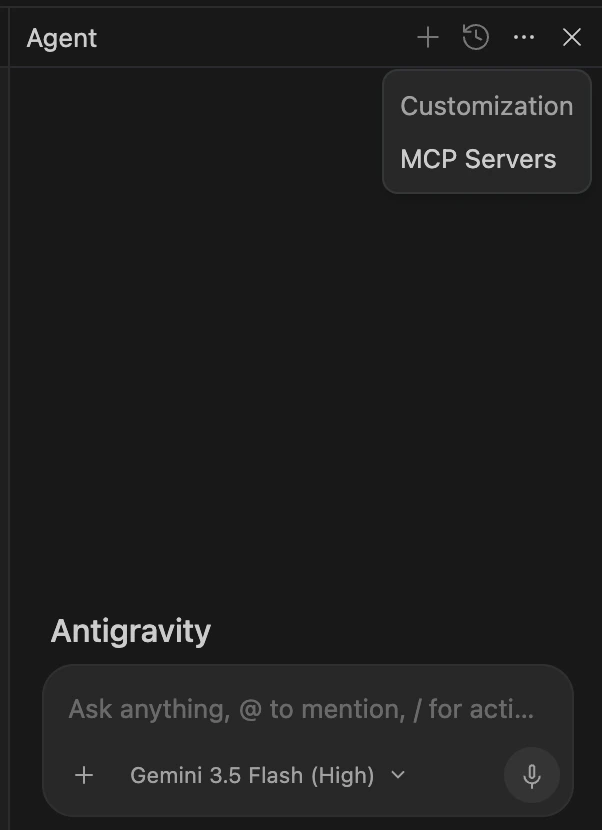
~/.gemini/antigravity/mcp_config.json. Append the CoinGecko server:
coingecko_mcp will appear under Available Tools in the Agent pane.
Full instructions: MCP Server docs.
3. Add Rules
Rules are Antigravity’s persistent system instructions — loaded before every agent task. Add the CoinGecko SDK prompt rules so generated code follows the right auth, retry, and error-handling patterns. Copy the relevant rules and paste them into one of these files:| File | Scope |
|---|---|
AGENTS.md in project root | This project only (recommended — also read by Cursor, Claude Code, and Codex) |
~/.gemini/AGENTS.md | All projects globally |
GEMINI.md in project root | Antigravity-only, takes precedence over AGENTS.md |
What to try next
Once everything’s wired up, try asking Antigravity:“Using the CoinGecko MCP, show me the top 10 trending pools on Base in the last 5 minutes and export them to CSV.”
“Write a Python script using coingecko-sdk that tracks my portfolio and sends me a Slack alert if any coin moves more than 10% in an hour.”Antigravity 2.0’s Manager view lets you run agents in parallel — try spawning one agent per chain to compare onchain activity across Base, Solana, and Ethereum simultaneously.