

Finding a Coin ID
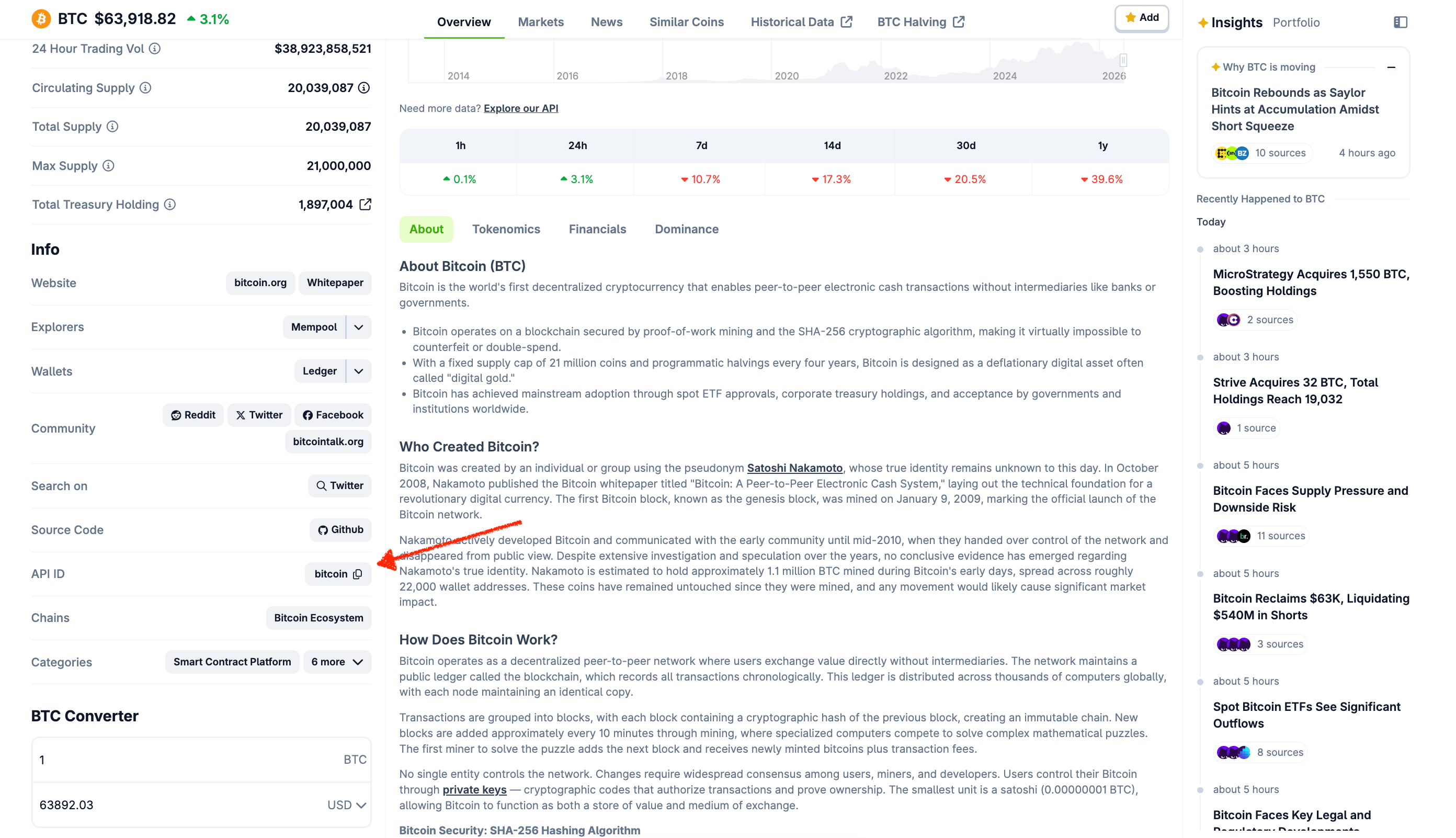
Most endpoints require a coin ID (e.g.bitcoin, ethereum).
Find a coin’s API ID on its CoinGecko page, via Coins List, or this Google Sheet.To resolve a name or symbol to a coin ID at runtime, use /search — it returns matching coins, categories, and markets:
Using Contract Addresses
Query by contract address instead of coin ID — useful when you don’t know the CoinGecko ID.id: asset platform ID (e.g.ethereum)contract_addresses: token contract address
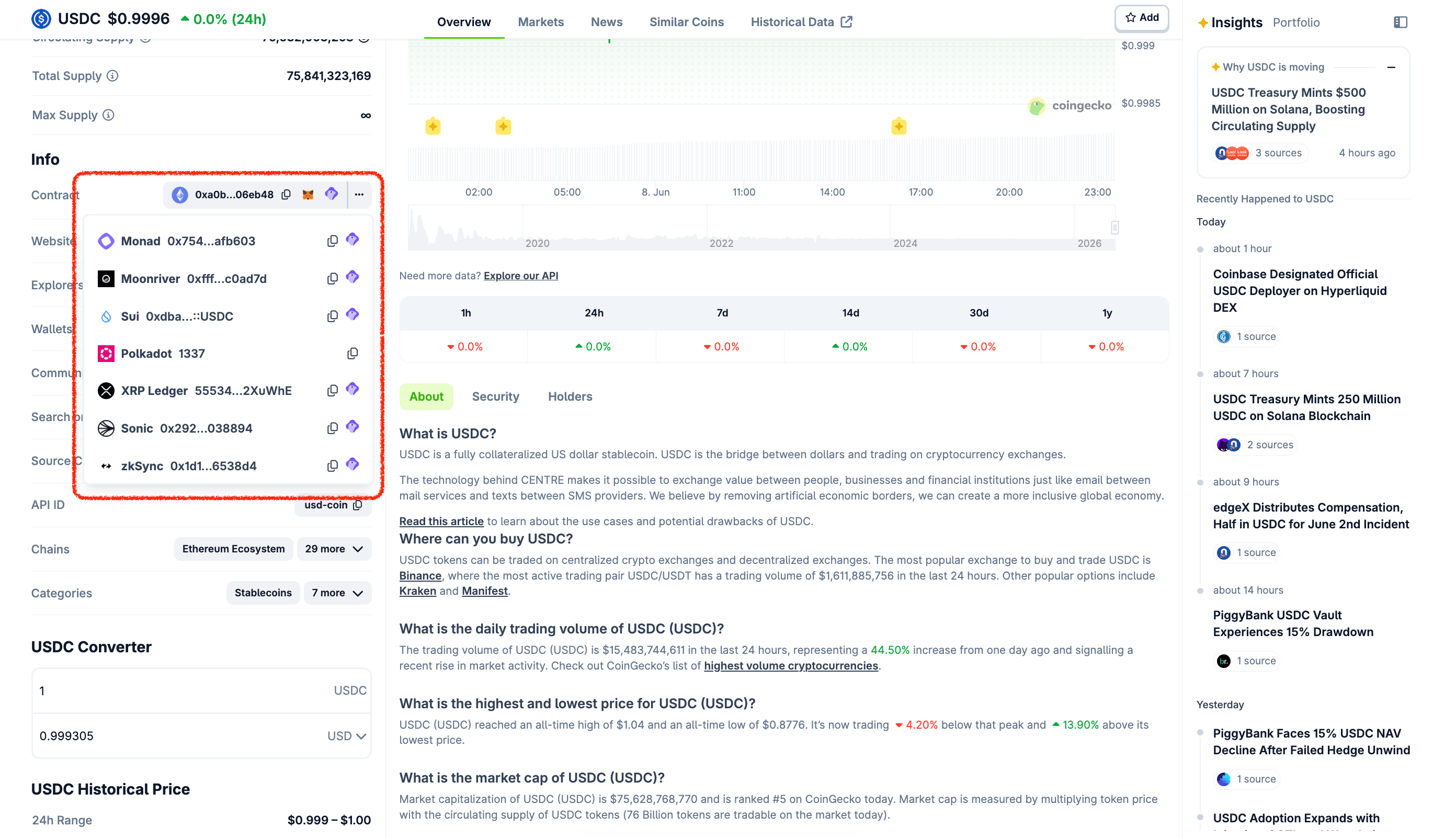
Not all coins have a contract address on CoinGecko. If unlisted, you can’t query by address.
include_platform=true:
Target Currencies
Full list: /simple/supported_vs_currencies
Bulk Queries
/coins/markets — price and market data for many coins at once (up to 250 per page).Historical Data
Auto-granularity based on time range:
- 1 day from now → 5-minute intervals
- 1 day from any other time → hourly
- 2–90 days → hourly
- 90+ days → daily (00:00 UTC)
Historical Data for Inactive Coins
Coins delisted from CoinGecko are excluded from /coins/list by default, but their historical data stays queryable (Analyst plan or above).1
Get the coin ID — /coins/list
Call /coins/list with
status=inactive, then take the coin ID from the response.2
Query the historical endpoints
Pass that coin ID to any of:
- /coins/{id}/history — snapshot at a specific date
- /coins/{id}/market_chart — time series over N days
- /coins/{id}/market_chart/range — time series within a date range
- /coins/{id}/contract/{address}/market_chart — by contract address, over N days
- /coins/{id}/contract/{address}/market_chart/range — by contract address, within a date range