

This server searches the documentation.
To query live crypto data (prices, markets, onchain), use CoinGecko API MCP ->
To query live crypto data (prices, markets, onchain), use CoinGecko API MCP ->
Setup
- Claude Web
- Claude Desktop
- Claude Code
1
Add connector
Go to Settings > Connectors on claude.ai.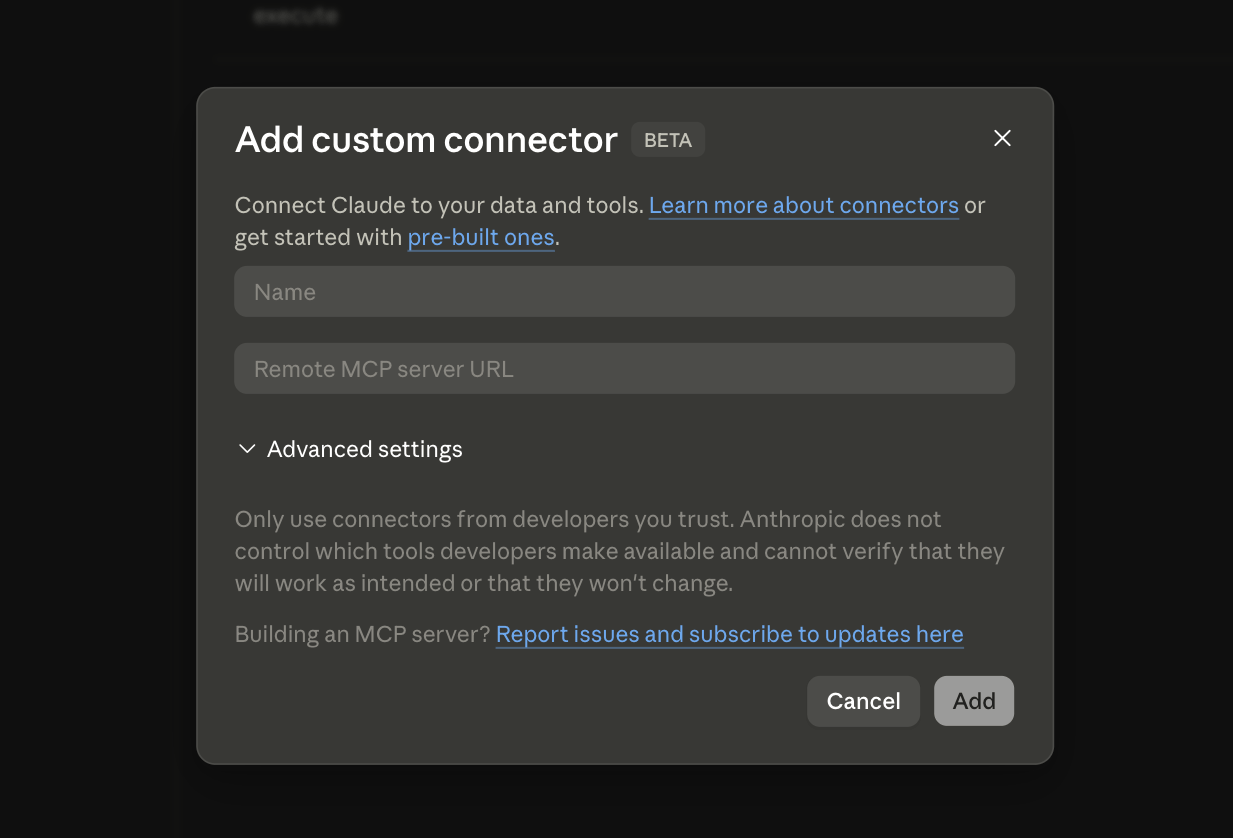
2
Enter server details
- Name:
CoinGecko Docs - Remote MCP server URL:
https://docs.coingecko.com/mcp
What can it do?
Once connected, your AI agent can search the CoinGecko documentation directly. For example:- “How do I authenticate with the CoinGecko API?”
- “What parameters does the
/coins/marketsendpoint accept?” - “Show me the WebSocket subscription format”
Connect to Live Data
Need real-time prices, market data, or onchain analytics? Use the CoinGecko API MCP Server.