Documentation Index

Fetch the complete documentation index at: https://docs.coingecko.com/llms.txt

Use this file to discover all available pages before exploring further.

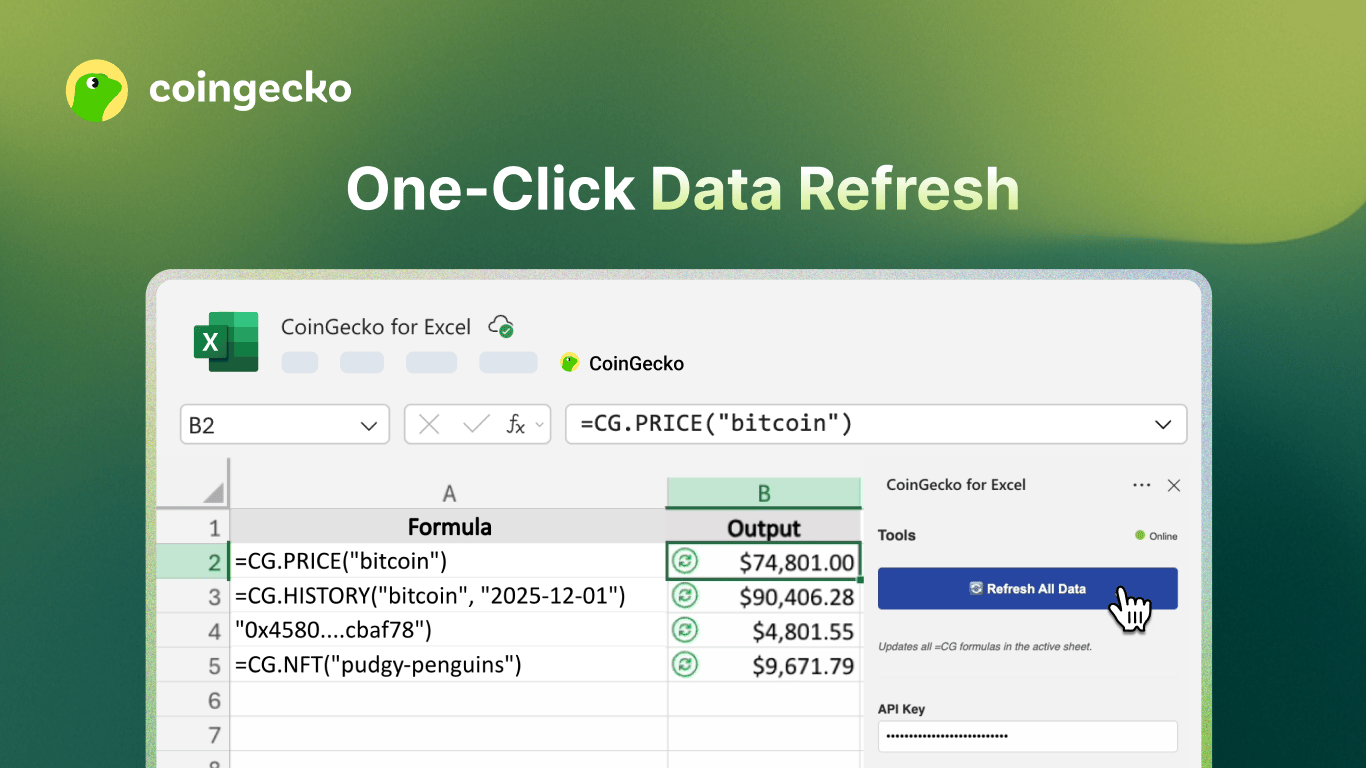
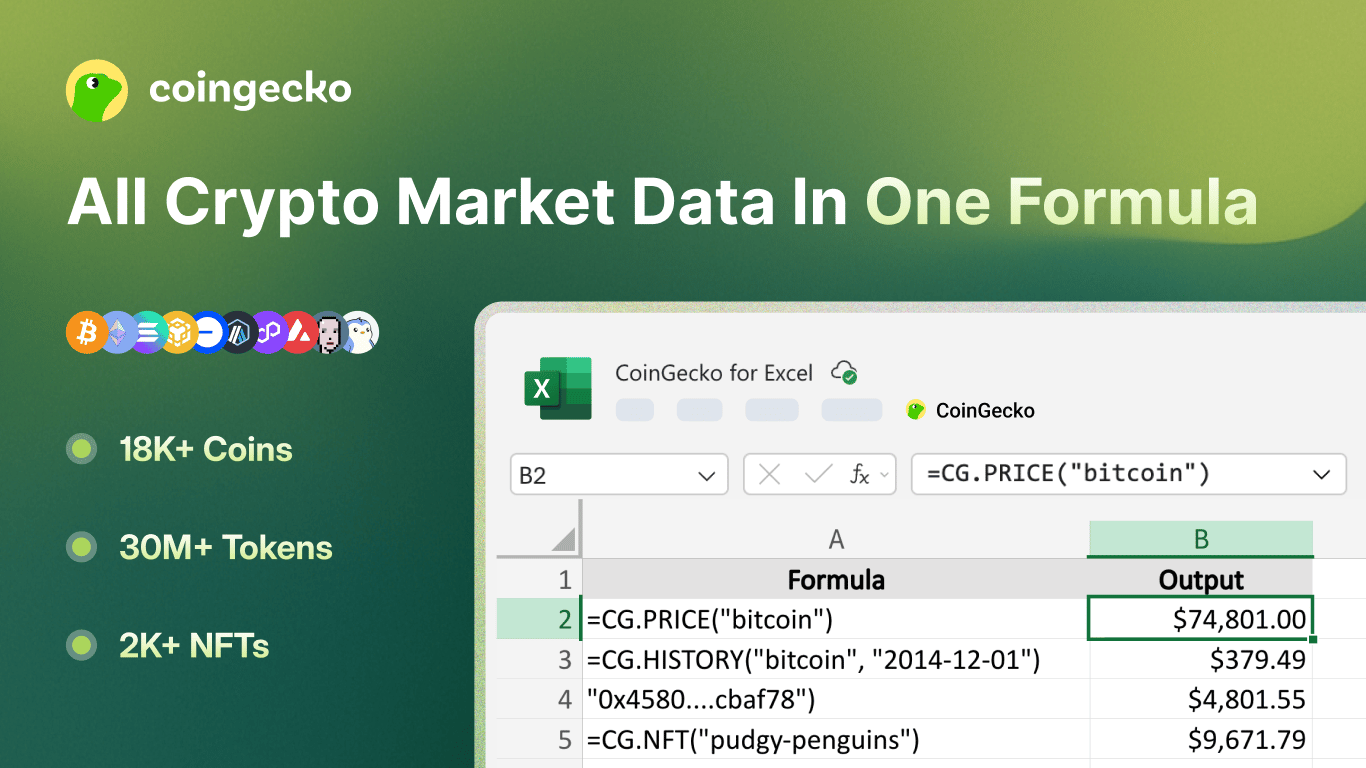
Coin Gecko For Excel 1 – 1366 X 768 2
Your privacy is our priority. The add-in only communicates with the CoinGecko API using your saved API key. No personal data is sent to any third party.If you have any questions or feedback, please share with us here.

1. Quick Start

1

Install the Add-in

Search for β€˜CoinGecko’ and Install directly from the Excel Add-ins store, or visit the Microsoft Marketplace.
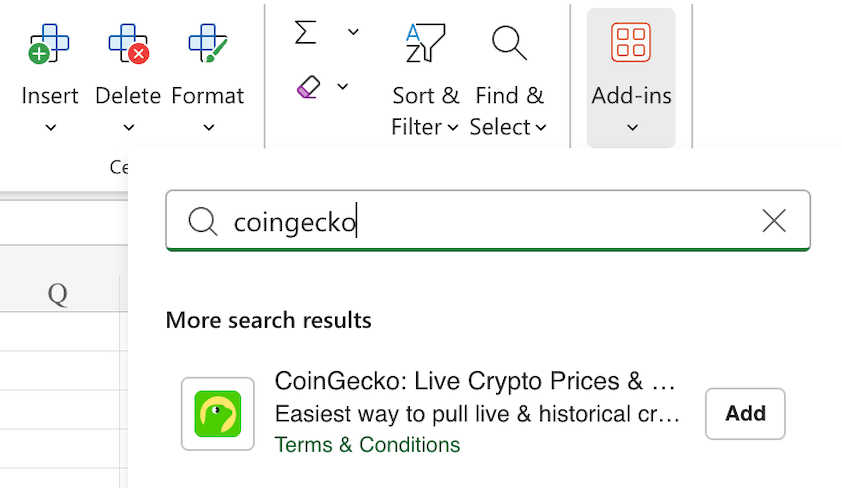
Screenshot 2026 04 29 At 12 22 33 PM 1
2

Open the Taskpane

Go to Home β†’ CoinGecko in the Excel ribbon to open the taskpane sidebar.
3

Set Your API Key

Enter your CoinGecko API key, then click Save Settings. A green status dot confirms a valid connection.
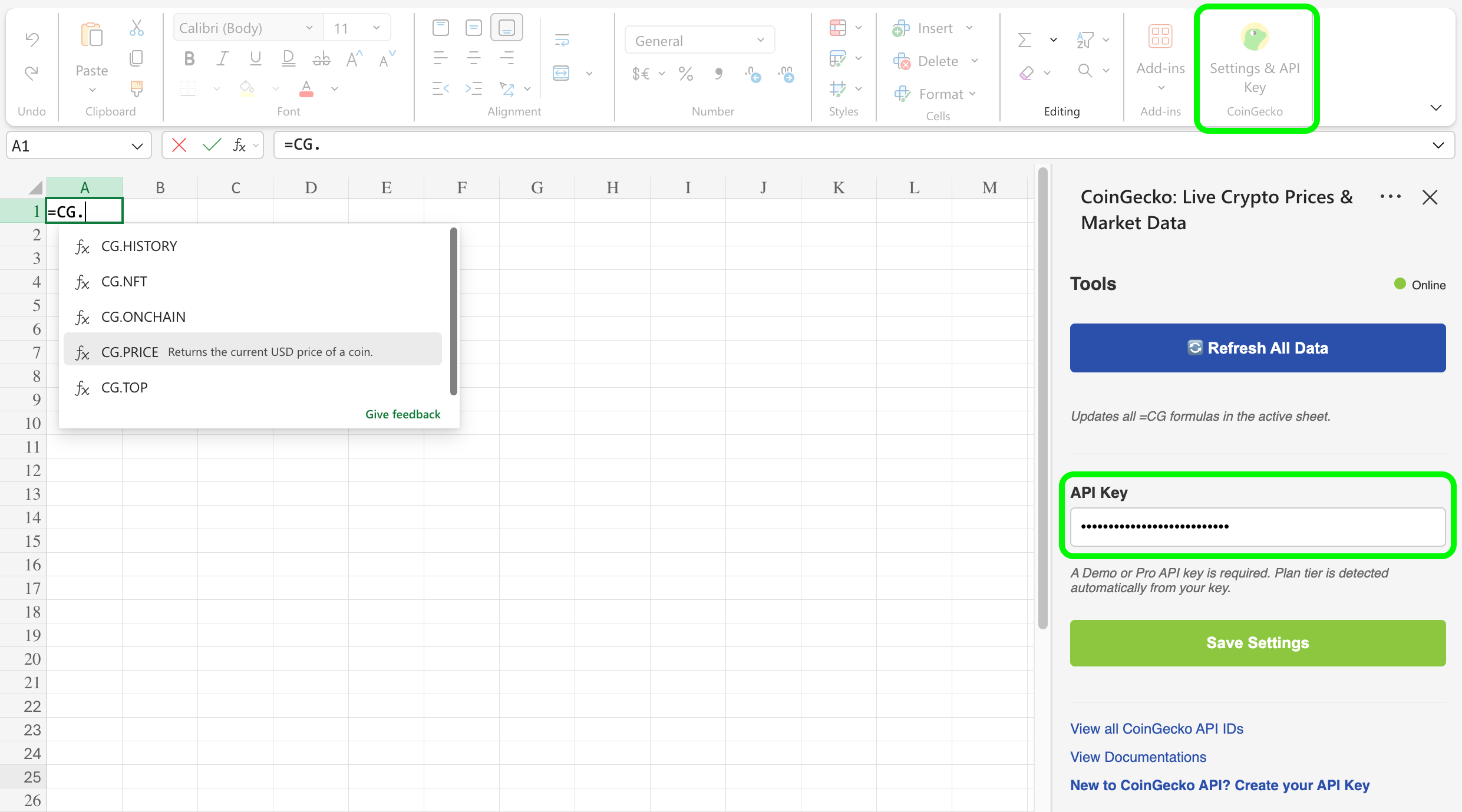
Screenshot 2026 04 29 At 12 26 44 PM

2. Formulas

All formulas use the CG namespace. Enter them in any cell like a standard Excel formula.
Pro Tip:
  • Use the Coin ID (e.g., bitcoin, ethereum) rather than the ticker symbol for the most reliable results.
  • You can find the coin API ID in the URL on CoinGecko, i.e. coingecko.com/en/coins/bitcoin
  • You can also get the full list via this endpoint or Google Sheet.

=CG.PRICE(id)

Returns the current USD price of a coin.
ParameterTypeDescription
idstringCoinGecko coin ID (e.g. "bitcoin", "ethereum")

View full Coin IDs.
Returns: Number β€” current price in USD
=CG.PRICE("bitcoin")        β†’ 95000
=CG.PRICE("ethereum")       β†’ 3400
=CG.PRICE("solana")         β†’ 180

=CG.HISTORY(id, date)

Returns the historical USD price of a coin on a specific date.
ParameterTypeDescription
idstringCoinGecko coin ID (e.g. "bitcoin", "ethereum")

View full Coin IDs.
datestringDate in YYYY-MM-DD format
Returns: Number β€” USD price on that date
=CG.HISTORY("bitcoin", "2023-12-31")     β†’ 16541.77
=CG.HISTORY("ethereum", "2021-12-31")    β†’ 3682.45
Date must be in YYYY-MM-DD format. Example: February 1, 2023 = "2023-02-01"

=CG.NFT(id)

Returns the current floor price (USD) of an NFT collection.
ParameterTypeDescription
idstringCoinGecko NFT collection ID (e.g. "bored-ape-yacht-club")

View full NFT IDs.
Returns: Number β€” floor price in USD
=CG.NFT("bored-ape-yacht-club")    β†’ 24500
=CG.NFT("cryptopunks")             β†’ 68000
=CG.NFT("pudgy-penguins")          β†’ 8200

=CG.ONCHAIN(network, address)

Returns the current USD price of an on-chain token by its network and contract address.
ParameterTypeDescription
networkstringNetwork ID (e.g. "eth", "bsc", "solana")

Get full Onchain network IDs.
addressstringToken contract address
Returns: Number β€” token price in USD
=CG.ONCHAIN("eth", "0xa0b86991c6218b36c1d19d4a2e9eb0ce3606eb48")
=CG.ONCHAIN("bsc", "0x55d398326f99059ff775485246999027b3197955")
Common network IDs:
NetworkID
Ethereumeth
BNB Smart Chainbsc
Solanasolana
Arbitrumarbitrum
Basebase

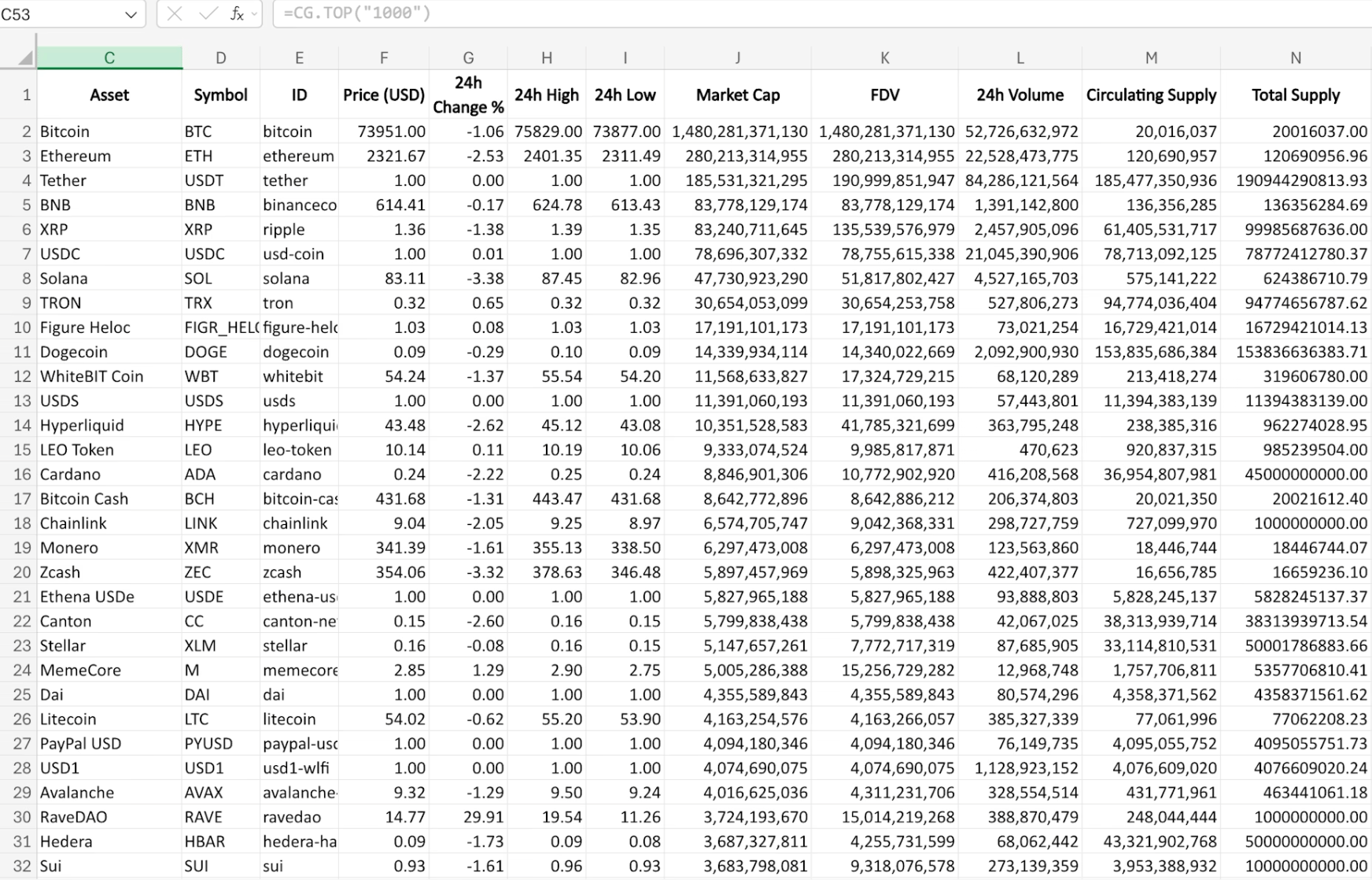
=CG.TOP(limit, [category])

Returns a ranked table of top coins by market cap.
Screenshot 2026 04 24 At 4 31 50 PM
ParameterTypeDescription
limitnumberNumber of coins to return (1-10000)
categorystring (optional)CoinGecko category ID to filter results
=CG.TOP(10)                            β†’ Top 10 coins by market cap
=CG.TOP(100)                           β†’ Top 100 coins by market cap
=CG.TOP(50, "decentralized-exchange")  β†’ Top 50 DEX tokens
=CG.TOP(20, "layer-1")                 β†’ Top 20 Layer-1 coins
Enter =CG.TOP(...) in a single cell and let the results spill automatically into adjacent rows and columns. Do not pre-select a range.
Tip:

3. Taskpane Actions

Refresh All Data πŸ”„

Clears the in-memory cache and forces all =CG.* formulas in the workbook to recalculate with fresh data from the API.

Save πŸ’Ύ

Saves your API key and plan selection. Automatically validates the key against the API and clears the cache.
Coin Gecko For Excel 2 – 1366 X 768 1

4. Troubleshooting & FAQ

Why is my formula showing #NAME??
  • Ensure the add-in is installed and loaded. The CG namespace is only available when the add-in is active.
How do I find a Coin ID or NFT ID?
  • You can get the full list of supported CoinGecko API IDs here, or visit CoinGecko.com - the Coin ID can also be found in the β€œAPI ID” section on the right sidebar of the coin or NFT’s page.
Why am I seeing Error: Invalid API Key?
  • Open the taskpane, re-enter your API key, and click Save.
Why am I seeing Error: Rate Limit β€” wait and retry?
  • You have exceeded the API rate limit. Wait a moment, then click Refresh All Data in the taskpane.
Why does =CG.HISTORY return no data?
  • Confirm the date is in YYYY-MM-DD format and that the coin existed on that date.
Why does =CG.TOP only show one cell?
  • Make sure the cells below and to the right are empty so the array can spill. Excel requires free space for spill ranges.
What is your privacy policy?
  • Please view the full details of our privacy policy here.
How do I share feedback?
  • Please share feedback with us here.